
Pay by phone
To pay your bill by phone, please call:
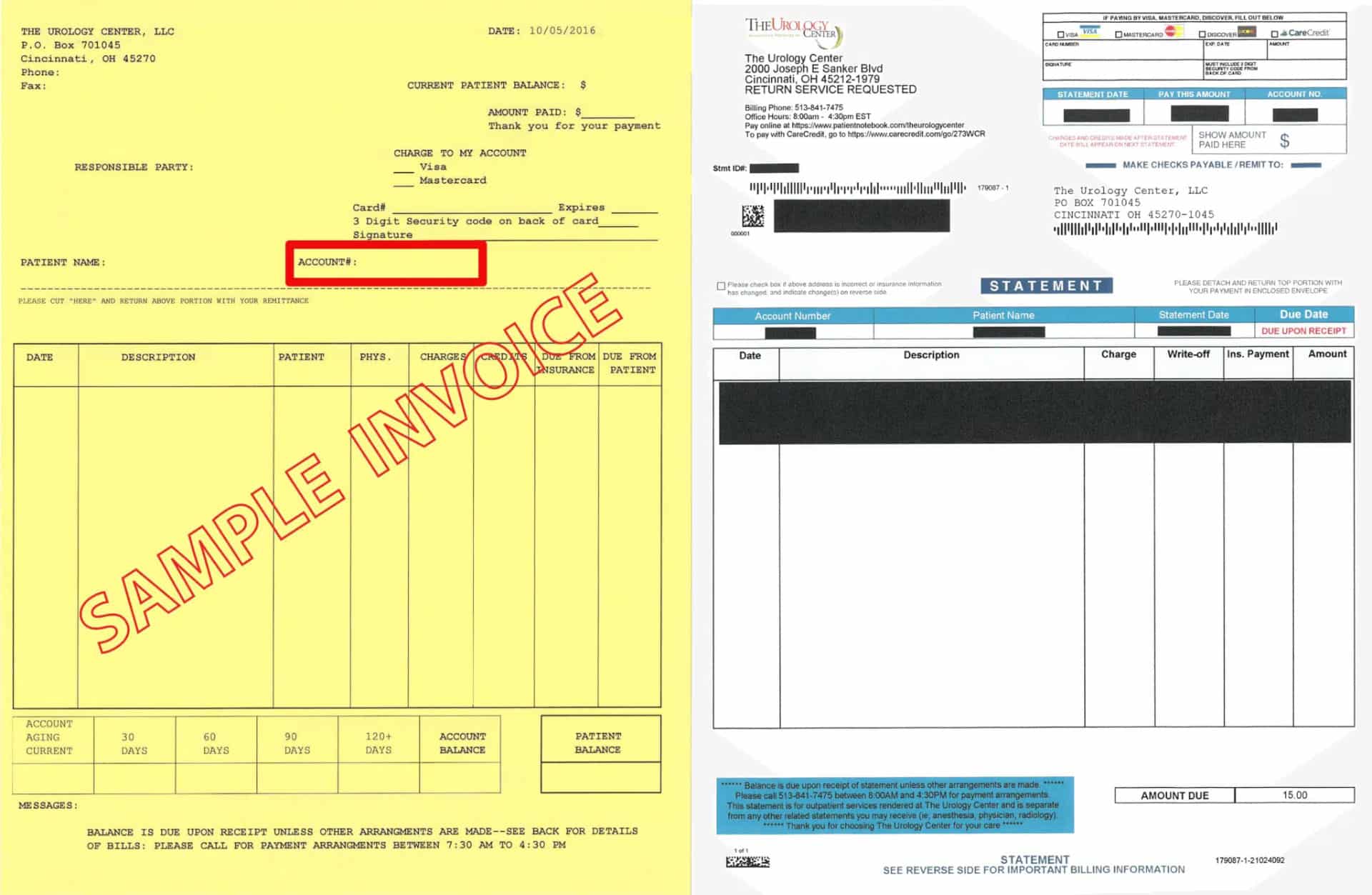
- The Urology Center (yellow invoice): (513) 841-7475
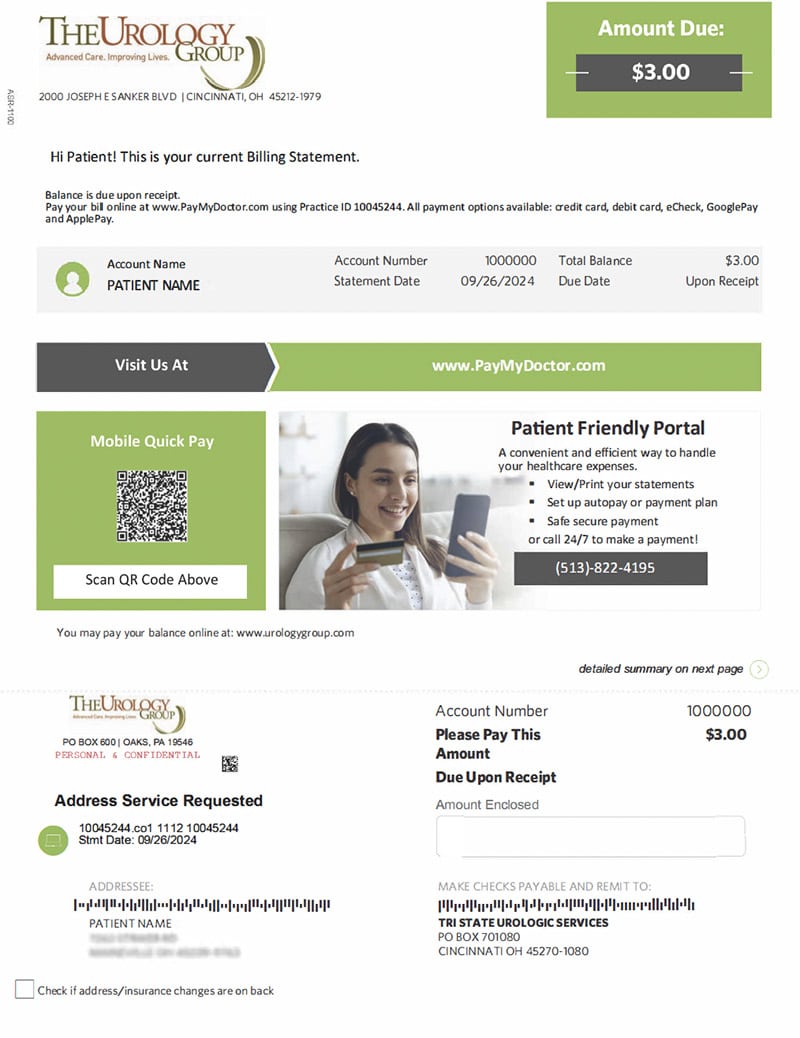
- The Urology Group (green/white invoice): (513) 822-4195
Pay online
We are pleased to offer patients the convenience of paying their bills online.
This bill payment is ONLY for patients of The Urology Group, headquartered in Cincinnati, Ohio (also with offices in Crestview Hills, Kentucky, and Lawrenceburg, Indiana).
Please enter the account number found at the top of your billing statement.
Thank you for providing your account number. Please review the following questions to continue with online bill pay.
1. Please confirm that your billing statement looks similar to one of the examples shown below.
Click the image to enlarge
2. Review the following locations and select the state where your visit or procedure took place:
Before you click “Pay Online” make sure you have the following information handy:
- Be sure your bill is from The Urology Group in Cincinnati, Ohio and Tri-state area.
- Your patient account number. Your account number can be found near the top right of your bill. This is the same number that you entered above.
- Your credit card. The Urology Group currently accepts Discover, Mastercard and Visa. Unfortunately we no longer accept American Express.
NOTE: You may need to adjust your privacy settings to allow for third-party cookies. Each browser is different but typically you can go to your Internet settings menu and locate your Privacy menu or tab. Choose to “always allow third party cookies” and then save that setting. Then click on the payment option again. Once you make your payment you may go back to your Internet settings and readjust your Privacy setting to your desired level of comfort.
Thank you for providing your account number. Please review the following questions to continue with online bill pay.
1. Please confirm that your billing statement looks similar to one of the examples shown below.
Click the image to enlarge
2. Review the following locations and select the state where your visit or procedure took place:
Before you click “Pay Online” make sure you have the following information handy:
- Be sure your bill is from The Urology Group in Cincinnati, Ohio and Tri-state area.
- Your patient account number. Your account number can be found near the top right of your bill. This is the same number that you entered above.
- Your credit card. The Urology Group currently accepts Discover, Mastercard and Visa. Unfortunately we no longer accept American Express.
NOTE: You may need to adjust your privacy settings to allow for third-party cookies. Each browser is different but typically you can go to your Internet settings menu and locate your Privacy menu or tab. Choose to “always allow third party cookies” and then save that setting. Then click on the payment option again. Once you make your payment you may go back to your Internet settings and readjust your Privacy setting to your desired level of comfort.
Please call the phone number on your bill for help or confirm the account number you entered above matches the number on your bill and try again.